Clone your own voice
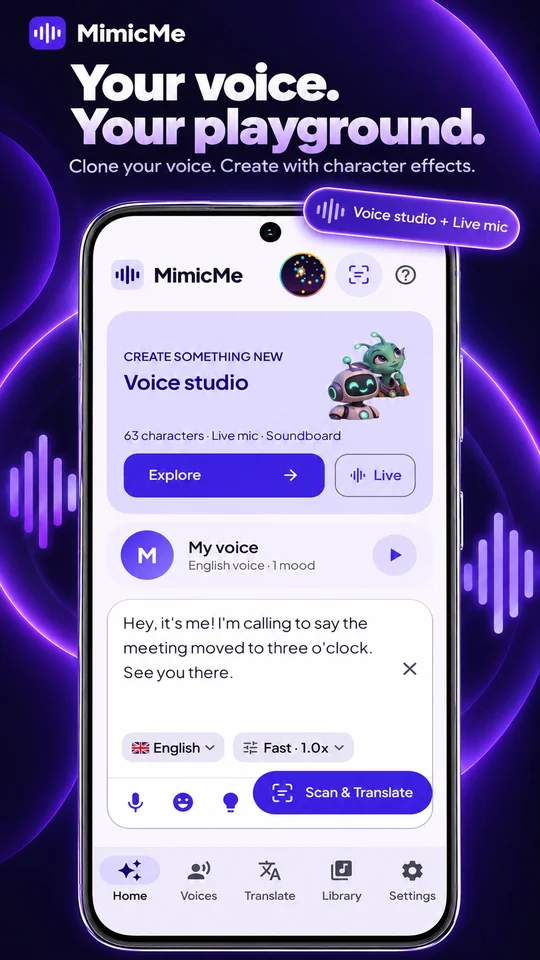
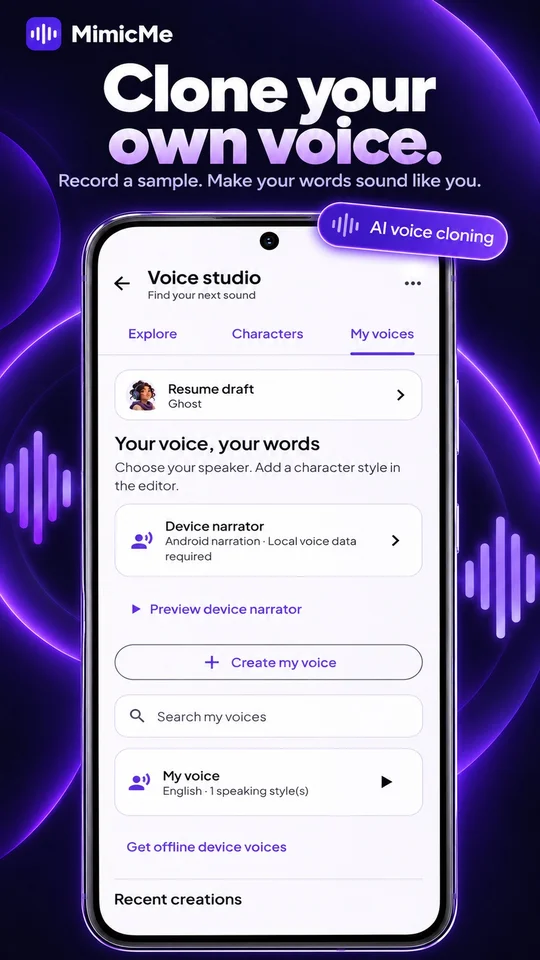
Record a sample in the app, save your voice and turn text into speech for narration, stories or personal messages. Supported languages depend on installed models.
 MimicMe
YOUR ANDROID VOICE STUDIO
Clone your own voice, find a new character and turn a thought into a message, a story or your next short clip.
Get MimicMe on Google PlayAndroid 8.0+ · 64-bit device · Includes ads
Model downloads require storage and an internet connection.
ONE STUDIO. MANY POSSIBILITIES.
Record a sample in the app, save your voice and turn text into speech for narration, stories or personal messages. Supported languages depend on installed models.
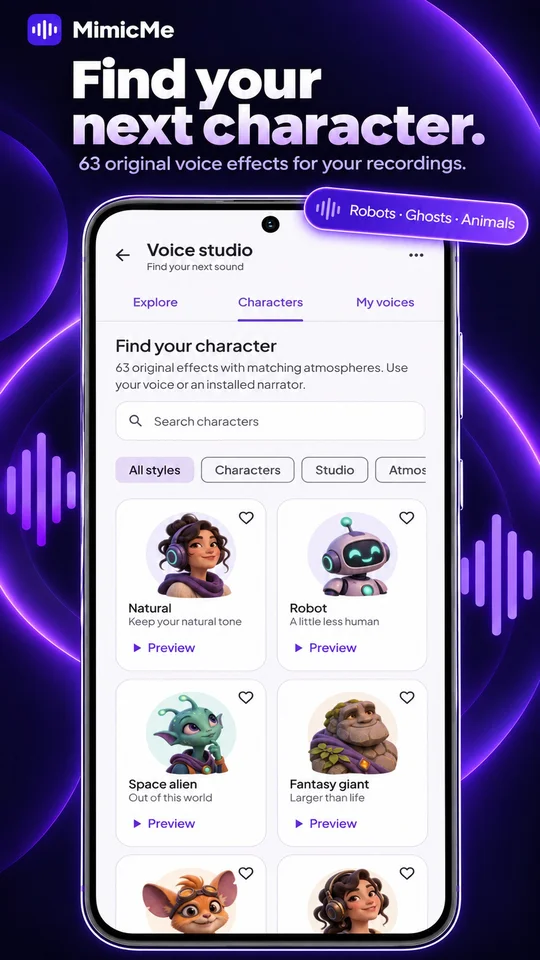
Record or import audio. Try a robot, ghost, alien, giant, cartoon or animal-inspired style, add a matching soundscape and preview before sharing.
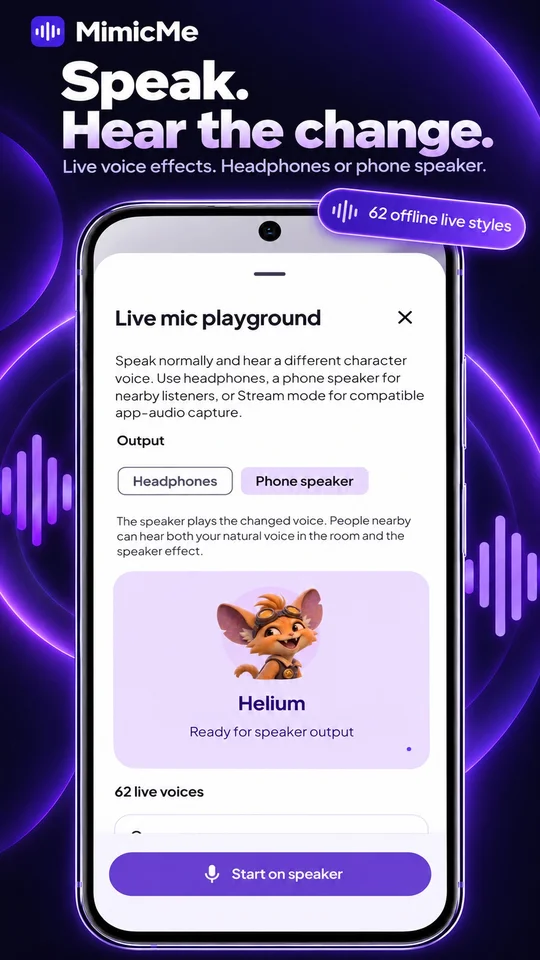
Hear 62 live styles through headphones or your phone speaker. Save your setup, then start or stop Live from the home-screen widget.
Play 20 original sounds, personalize an Explore template and create portrait clips with music and editable captions. Keep finished creations in your Library.
Scan Latin and Devanagari text and translate into 67 languages. Translate typed text and documents between 17 languages, or listen with available voices.
Supported voice processing and translation run on your phone after model downloads. No account is required. Ads and optional online device voices may use the internet.
FROM IDEA TO AUDIO
Record, import audio for effects, or type your script.
Pick a saved voice or character effect, then preview and adjust.
Trim, clean up and save audio, or share a portrait video.
BEFORE YOU PRESS PLAY
Character effects and Live processing run on your phone. AI voice cloning and supported translation need the required model packs downloaded first. Ads, downloads, optional online device voices and submitted reports may use the internet.
Yes. Bluetooth mode uses the phone microphone with changed audio in your earbuds and adds delay. Wired or USB headphones give quicker monitoring. With speaker output, people nearby can hear both your natural voice in the room and the changed speaker audio.
MimicMe does not replace the system microphone in every app. Stream mode lets compatible streaming or recording apps capture changed internal/device audio. Compatibility depends on the receiving app; a microphone notification stays visible while Live is running.
The character library contains original creative voice effects, rather than celebrity clones or licensed character identities. Voice-cloning setup requires a live recording of your own voice. Do not use someone else’s recording to create a clone.
The updated Android app asks new and existing users to read and accept the Terms and Conditions before continuing. Acceptance is saved on your device, so you do not need to agree on every launch or normal app update. A new terms version, clearing app data or reinstalling can require acceptance again. Read the terms anytime in Settings.
No. The accepted terms version and acceptance time stay in the app’s private storage. They are not sent to Firebase or restored from a cloud account. Firebase is used separately for diagnostics, announcements and reports you choose to submit; see our Privacy Policy.
The updated app remembers completed or dismissed model setup. Returning users who completed onboarding continue into the app without repeating that full-screen setup. If voice models need an update or download, Home and Settings show their status. Voice cloning becomes available when the required models are ready.
Use Report on a clip, card or translation in the app, or email mikalxshrestha@gmail.com. Impersonation, harassment, scams and unauthorized voice use are prohibited. See the Terms and Conditions for the rules and reporting details.
AI voice support depends on installed packs, with English, Nepali and Hindi available in supported models. Camera-text translation supports 67 target languages; typed and document translation supports 17 languages. Available device narration depends on Android voice data.